AI Meeting Notes in Multiple Languages: How to Pick the Right Transcription and Translation Tool
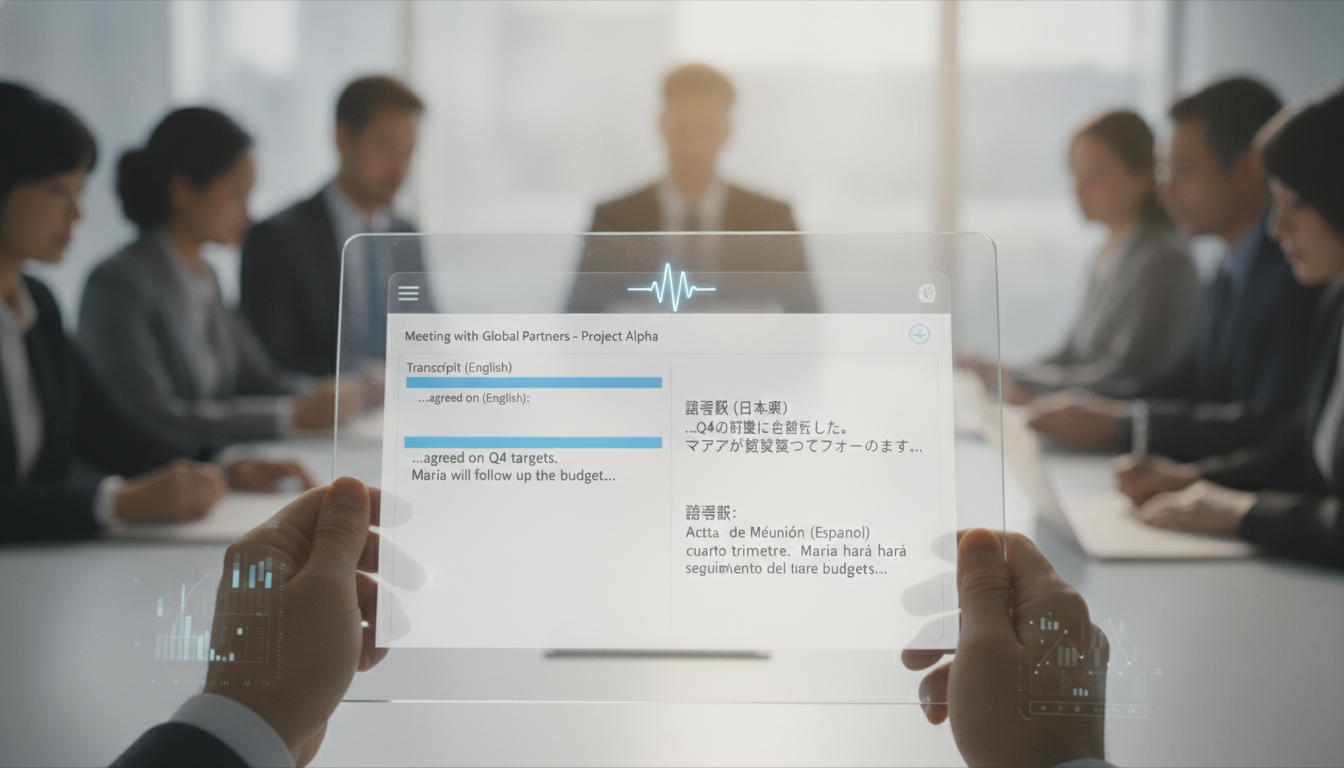
Teams in Malaysia work across 3+ languages daily. English, Malay, Mandarin, and Tamil conversations happen in the same room—and your meeting notes software needs to keep up.
This guide walks you through what multilingual AI meeting notes actually do, the real costs involved, and how to pick a tool that won't waste your time translating manually.
Why Multilingual Meeting Notes Matter in Malaysia
Malaysia's workforce is genuinely multilingual. Here's what that means for your meetings:
- 60% of Malaysian teams use 2 or more languages in a single meeting
- Legal firms, tech startups, and manufacturing hubs lose 40 minutes per week translating notes manually
- Misunderstandings from unclear transcription cost money: mistranslated contracts, missed action items, repeated clarification emails
- Remote teams across Malaysia, Singapore, and Indonesia need real-time note clarity in their home language
The real problem: Standard meeting tools (Zoom, Teams) transcribe in one language only. If your CFO speaks Mandarin and your engineer speaks English, one of them gets no accurate notes.
How AI Transcription and Translation Actually Works
Multilingual AI meeting software works in 3 stages:
- Live audio capture — The tool listens to all speakers, not just the presenter. It identifies which language each speaker is using in real-time.
- Automatic transcription — Speech-to-text converts each speaker's words into written text, keeping speaker labels intact ("Ahmed: ...", "Siti: ...").
- Instant translation — The transcript is translated into 1–5 target languages simultaneously. You get English, Malay, and Mandarin versions in the same document.
Critical limits to know:
- Accuracy ranges from 87% to 96% depending on audio quality and speaker accent
- Heavy accents, background noise, and overlapping speech reduce accuracy by 5–15%
- Slang and industry jargon (especially in tech and finance) need manual correction 10–20% of the time
- Translation quality lags transcription by about 3–5% because context gets lost
Speed: A 1-hour meeting is fully transcribed and translated within 2–5 minutes of ending.

Key Features to Look For
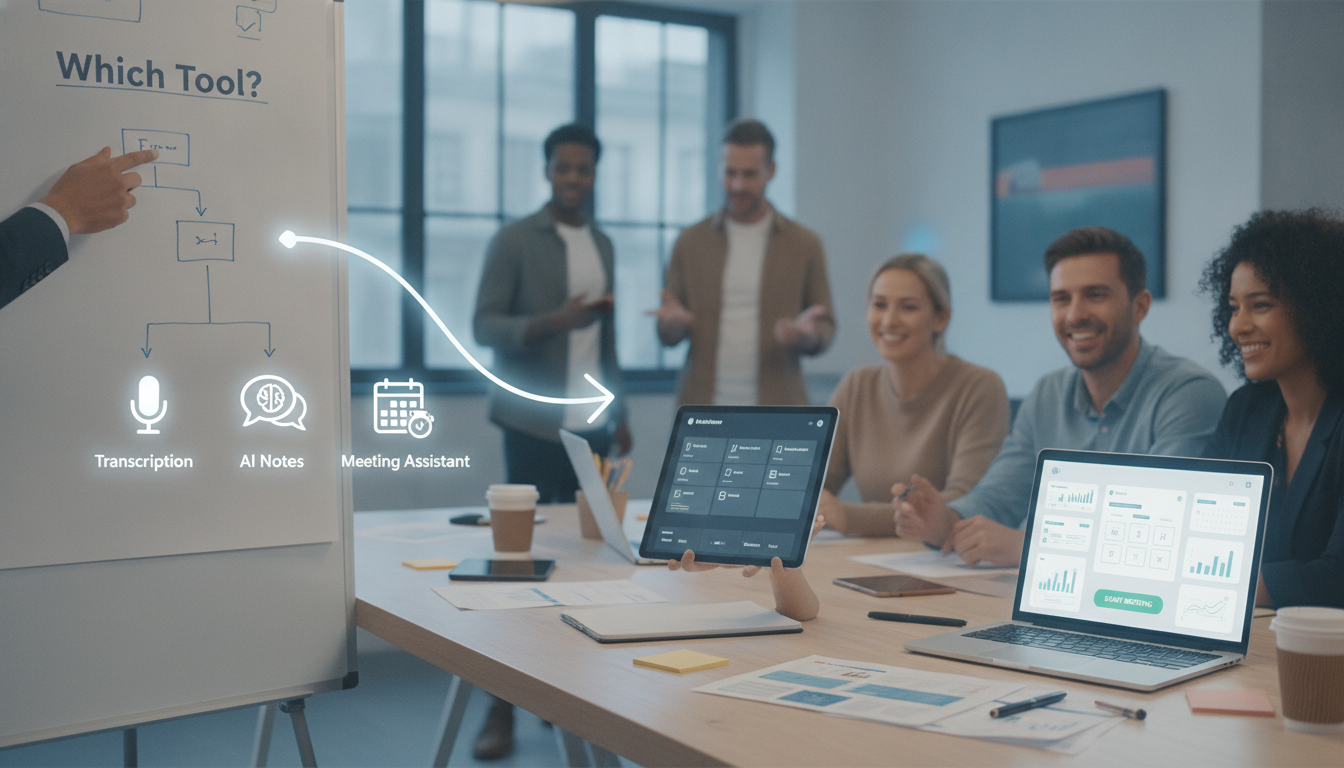
When comparing tools, focus on these 7 concrete features:
- Language support — Does it handle Malay, English, Mandarin, Tamil, and Hokkien? Some tools only cover 20 languages; others cover 50+.
- Speaker identification — Can it label who spoke what? This matters for accountability and action items.
- Real-time vs. post-meeting translation — Real-time costs more (RM300–600/month). Post-meeting is cheaper (RM150–250/month) but slower.
- Editing and confidence scores — Can you flag and correct mistranslations? Tools that show confidence percentages ("87% confident this is correct") let you spot risky translations.
- Integration with your calendar — Does it auto-join Zoom, Teams, or Google Meet? Or do you need to manually upload files?
- Customizable glossary — Can you teach the AI your company's terminology? Crucial for technical teams.
- Export formats — PDF, Word, subtitle files, or shareable links? Cheaper plans often lock you into PDF only.
Pricing reality check:
- Budget tier (RM150–250/month): Post-meeting transcription, 2 languages, basic exports
- Mid-tier (RM400–800/month): Real-time transcription, 5+ languages, speaker ID, integrations
- Enterprise (RM2,500+/month): Custom glossaries, compliance (ISO 27001), dedicated support, unlimited translations
Common Problems and How to Solve Them
These issues trip up 70% of first-time users:
Problem 1: Low transcription accuracy
- Cause: Background noise, multiple people talking at once, heavy accents
- Solution: Use a good microphone (not laptop speakers). Ask speakers to pause between sentences. Upload test files first to check accuracy in your context.
Problem 2: Translation errors that hide the real meaning
- Cause: Malay/Mandarin idioms or context-specific terms don't translate literally
- Solution: Pick tools with manual editing. Create a custom glossary of 20–30 terms unique to your company. Review translations of financial or legal meetings before sharing.
Problem 3: Privacy concerns
- Cause: Some tools store audio on US servers; Malaysia's PDPA (Personal Data Protection Act) compliance is unclear
- Solution: Check if the tool offers on-device processing or Malaysia-based servers. Ask for a Data Processing Agreement before signing.
Problem 4: Tool doesn't integrate with your calendar
- Cause: You have to manually upload or copy meeting links
- Solution: Verify integration before buying. Test with a dummy Zoom meeting.
Problem 5: Costs blow up as your team scales
- Cause: Per-minute or per-user pricing isn't transparent
- Solution: Request a custom quote if you run 100+ meetings/month. Most vendors negotiate at this volume.

Step-by-Step: How to Choose the Right Tool for Your Team
Follow this 5-step process:
Step 1: Map your actual language needs
- List all languages spoken in your meetings (don't guess)
- Count meetings per month that need translation
- Identify whether you need real-time or post-meeting accuracy
Step 2: Set a budget window
- Do you have RM200/month, or RM2,000/month?
- Calculate total cost of ownership: per-month fee + setup + training
- Compare against your current manual translation spend
Step 3: Test with a free trial
- Most vendors offer 5–10 free test meetings
- Upload a real 15-minute meeting from your team
- Check: Is accuracy acceptable? Can you edit easily? Do exports match your workflow?
Step 4: Verify compliance and security
- Request a security checklist (encryption, data retention, PDPA compliance)
- Confirm the vendor will sign a Data Processing Agreement if required
- Ask where data is stored
Step 5: Pilot with one department
- Roll out to your finance or legal team first (they benefit most)
- Run 4 weeks of real meetings before full rollout
- Gather feedback; adjust settings and glossaries
Real-World ROI: What It Actually Saves
Here's the math for a 20-person team in Malaysia:
Current state (no AI tool):
- 40 meetings/month × 1 hour average = 40 hours/month of meetings
- 20% of that time is spent clarifying what was said or translating notes = 8 hours/month wasted
- At RM100/hour fully-loaded cost, that's RM800/month in lost productivity
With a mid-tier AI tool (RM500/month):
- Cuts manual translation by 85%
- Saves 6.5 hours/month = RM650/month
- Reduces action item errors by 40% = fewer follow-up meetings
- Net monthly saving: RM150 (and grows with fewer follow-up meetings)
Payback period: 3–4 months for most teams
Additional benefits (hard to measure but real):
- Non-native English speakers feel more included
- Legal/compliance teams have audit trails in multiple languages
- Training new staff is faster (they can review meetings in their language)
Pre-Purchase Checklist for Multilingual Meeting Tools
- Confirm the tool supports all 3+ languages your team speaks
- Run a free trial with a real 15-minute meeting from your team; check accuracy
- Verify PDPA compliance and ask for a Data Processing Agreement
- Test integrations with Zoom, Teams, or Google Meet (whichever you use)
- Calculate your monthly meeting volume and confirm per-meeting or per-minute pricing doesn't surprise you
- Check if the tool offers a custom glossary for your industry terminology
- Confirm export formats (PDF, Word, shareable links) match your workflow
- Decide: Do you need real-time translation (RM400+/month) or post-meeting (RM150–250/month)?
- Ask the vendor about annual discounts (usually 15–25% cheaper than monthly)
FAQ
How accurate is AI transcription in Malay, Mandarin, or Tamil?
Accuracy ranges from 87% to 96% in clear audio. Malay and English achieve 92–95% accuracy; Mandarin (especially with tones) and Tamil drop to 87–90%. Heavy accents, background noise, and overlapping speech reduce accuracy by 5–15%. Always review critical meetings (legal, contracts) manually before sharing.
Can I edit translations after they're generated?
Yes, but only with some tools. Budget and mid-tier plans usually allow editing. Enterprise plans let you build custom glossaries so the AI learns your terminology. Always test the editing interface during your trial—some tools make it cumbersome and slow you down instead of speeding you up.
Is my audio data safe? Will it be stored or sold?
Reputable vendors (Otter, Fireflies, Notta) encrypt audio and comply with data protection laws. Ask specifically about PDPA compliance and where data is stored (Malaysia, Singapore, or US servers). Some vendors offer on-device processing, meaning audio never leaves your network. Require a Data Processing Agreement in writing before signing.
What's the real cost for a team of 20 running 40 meetings a month?
Budget tier: RM150–250/month covers post-meeting transcription in 2 languages. Mid-tier: RM400–800/month adds real-time, 5+ languages, and integrations. For 40 meetings/month, mid-tier averages RM600/month. Annual commitment usually saves 20–25%, bringing it down to RM450–600/month. Test a free trial first.
Do I have to manually upload meetings, or does the tool auto-join?
Better tools (mid-tier and above) auto-join your Zoom, Teams, or Google Meet. Budget tools often require manual upload. Integration matters because manual uploads create friction—people forget to do it. Confirm integrations work with your specific calendar system before purchasing.
How long does it take to get transcripts and translations after a meeting ends?
Post-meeting tools: 2–5 minutes for a 1-hour meeting. Real-time tools: instant (available while the meeting is still happening). Processing time depends on meeting length and server load. Most vendors guarantee turnaround within 15 minutes. Check SLAs in their terms of service.
Key takeaways
- Multilingual transcription and translation tools cost RM150–2,500/month; mid-tier solutions (RM400–800) work for most 20-person teams and save RM150+/month in lost productivity.
- Accuracy ranges from 87–96% depending on audio quality and language; always manually review critical legal or financial meetings before sharing.
- Real-time translation costs 2–3× more than post-meeting (RM500+ vs. RM150–250/month), so choose based on your actual meeting urgency.
- Test with a free trial using a real 15-minute meeting from your team before committing; verify PDPA compliance and integrations with your calendar system.
- Pilot with one department (finance or legal benefit most), run 4 weeks of live meetings, then roll out company-wide to minimize risk.