AI Meeting Notes with Transcription: How to Capture and Document Everything
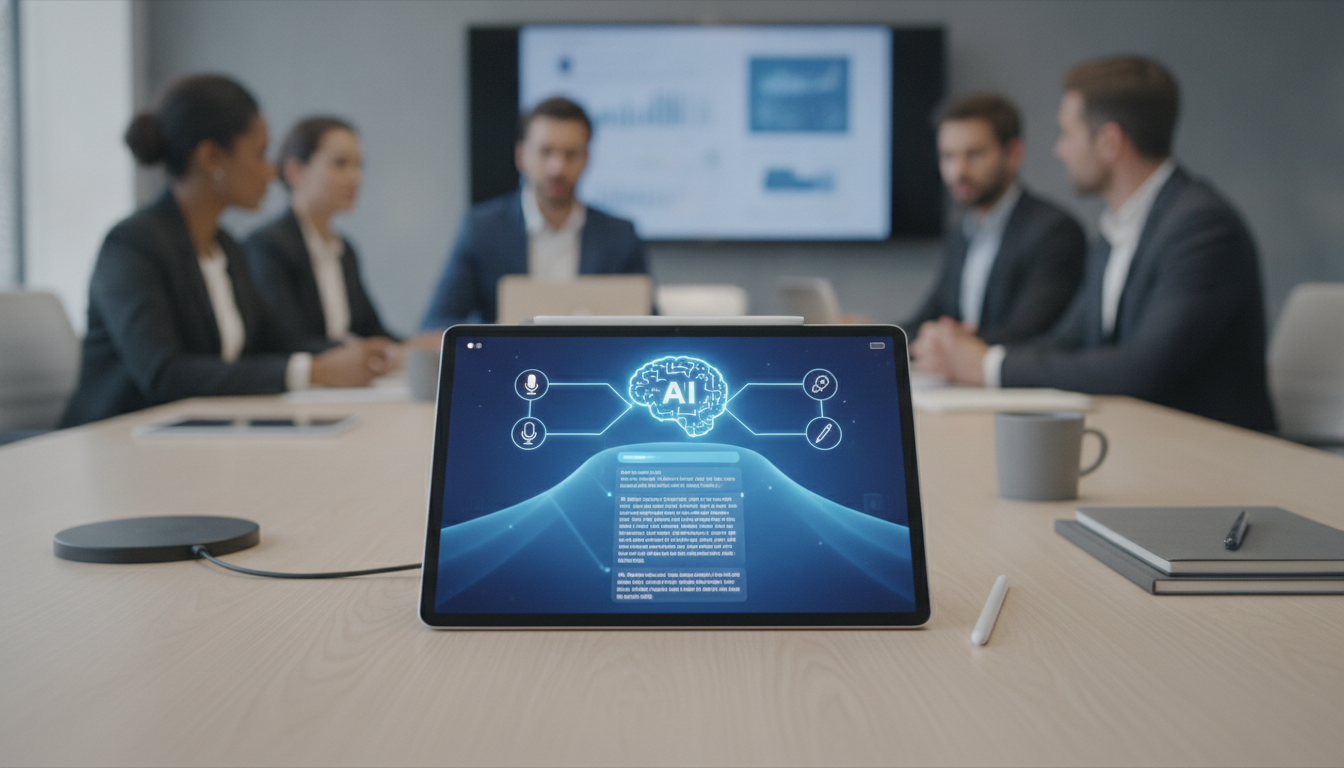
Every meeting generates decisions, action items, and context that slip away the moment it ends. Manual note-taking divides attention; email summaries arrive too late; team members hear different things.
AI meeting transcription solves this—capturing 100% of what was said, automatically turning speech into searchable records, and flagging action items in real time. Here's what you need to know to choose the right tool.
Why Manual Note-Taking Fails (and AI Fixes It)
Meeting note-takers face three hard problems:
- Divided attention: Someone typing misses 30–40% of key points while staying focused on writing.
- Inconsistent records: Different people summarise the same meeting differently; crucial details vanish.
- Lost action items: By-the-way decisions buried in paragraphs never become tasks.
AI transcription eliminates these gaps:
- Records 100% of spoken content without human fatigue.
- Generates searchable transcripts within 2–5 minutes of meeting end.
- Auto-detects action items and assigns owners in real time.
- Stores everything in a central searchable vault (no more digging through email chains).
The scale problem: In a 50-person team, 10 hours of meeting time per week produces ~520 hours of annual meeting content. One person manually summarising would need 6+ weeks per year just to write usable notes.
What to Look For in an AI Meeting Notes Tool
Choose based on these 5 core capabilities:
1. Transcription accuracy
- Aim for 95%+ accuracy in your language (English + local accents).
- Test with a real 30-minute meeting before committing.
- Ask about speaker identification—can it label who said what?
2. Integration with your stack
- Native integration with Zoom, Microsoft Teams, Google Meet (most common).
- API access or Zapier/Make support for custom workflows.
- Calendar sync so notes appear in scheduled meetings automatically.
3. Search and retrieval speed
- Full-text search across all transcripts (not just titles).
- Keyword filtering (find all mentions of "budget" across 100 meetings in <2 seconds).
- Should handle 12+ months of continuous recording without slowdown.
4. Action item automation
- Detects "we will", "owner is", "deadline next Friday" without manual tagging.
- Assigns tasks to Asana, Monday, or Jira automatically.
- Reduces manual task creation by 60–70%.
5. Security and compliance
- Encryption in transit and at rest (AES-256 standard).
- Data stored in Malaysia or Singapore (PDPA compliant for Malaysian businesses).
- Admin controls for who sees what (especially sensitive finance or HR meetings).
How AI Meeting Transcription Works: The Three Stages
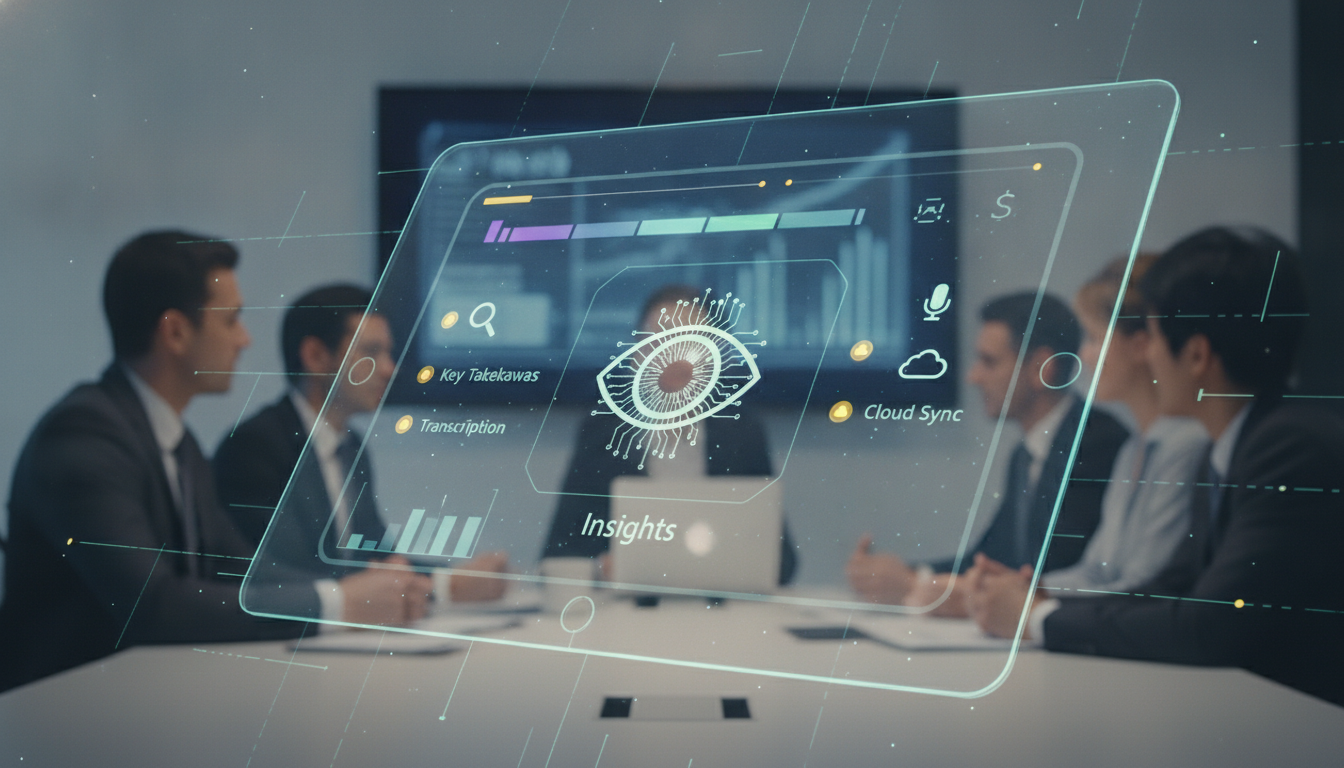
- Capture (during call)
- Tool joins your video meeting or receives audio stream from in-person device.
- Continuous voice-to-text processing begins (latency <3 seconds for near-real-time subtitles).
- Background noise filtered using ML noise suppression.
- Processing (immediately after)
- Full transcript generated and speaker labels applied (usually 1–5 minutes for 1-hour meeting).
- Sentiment analysis flags heated discussions or alignment moments.
- Keywords and topics auto-tagged (e.g., "Product", "Budget", "Client").
- Action items extracted using natural language understanding.
- Retrieval and action (hours/days after)
- Searchable transcript appears in dashboard and gets emailed to attendees.
- Participants can comment on specific timestamps.
- Action items sync to task management tools.
- Executives can listen/read async (no need to attend live).
Real-world impact: A marketing team using AI notes reduced meeting follow-up emails by 45% and cut time spent finding decisions from 15 minutes to <2 minutes per week.
Pricing and Typical Options in Malaysia
Entry tier (RM150–RM250/month)
- Up to 10 hours of transcription per month.
- Basic integrations (Zoom, Teams).
- 1 user seat.
- Suitable for freelancers or small consultancy teams.
Mid tier (RM350–RM600/month)
- 50+ hours per month; unlimited users in a team.
- Advanced integrations (Jira, Asana, Slack).
- Custom domain and branding.
- Speaker identification and sentiment analysis included.
- Right fit for 15–40 person companies.
Enterprise (RM1,200+/month or custom)
- Unlimited transcription hours.
- Advanced security (SSO, audit logs, data residency in Malaysia).
- Dedicated support and onboarding.
- API access for custom integrations.
- SLA guarantees (99.5% uptime).
What affects cost:
- Volume: Per-hour overage charges (RM5–RM10 per extra hour).
- Languages: Multi-language support adds 15–20% to base price.
- Storage: Archiving 1,000+ meetings may incur RM50–RM200/month storage add-on.
- Seat count: Usually per-user pricing (RM30–RM80 per additional user/month).
Implementation Checklist: Getting Started Fast
- Week 1: Sign up for free trial (most offer 14–30 days). Import your calendar and run 3–5 real meetings.
- Week 2: Audit transcription quality on 1–2 of those meetings. Check accuracy for acronyms, names, and technical terms your industry uses.
- Week 3: Set up integrations (Zoom connector, Asana/Jira task sync) if not automatic.
- Week 4: Brief team on how to find/use notes. Test search performance with 10 old meetings.
- Go-live: Switch off old note-taker role; redirect saved time to strategic work.
Success metrics to track (first 2 months):
- Average note availability time (target: <10 minutes post-meeting).
- Task creation from meeting transcripts vs. manual (aim for 70%+ automation).
- Search usage (should climb week-on-week as team trusts the archive).
- Hours saved per team member per week (typical: 2–4 hours).
Common Pitfalls and How to Avoid Them
Pitfall 1: Poor transcription accuracy for accented English
- Solution: Test the tool with a recording of your team's dialect first. Some tools use regional training models (ask specifically for Malaysia-tuned models).
Pitfall 2: Team ignores new meeting notes because they don't know they exist
- Solution: Set up Slack notifications or calendar integrations so notes arrive where people already look. Auto-email summaries for first month.
Pitfall 3: Sensitive data (salary, personal info) captured and stored
- Solution: Check SOC 2 or ISO 27001 certification. Ensure your tool supports pause/stop recording mid-meeting and redaction workflows.
Pitfall 4: Transcripts not connected to action items, so decisions don't become work
- Solution: Require integration with your task tool (Jira, Asana, Monday). Have someone review auto-extracted tasks weekly until the team trusts the automation.
Pitfall 5: Too many integrations slow adoption
- Solution: Start with Zoom/Teams + one task tool. Add more after 1 month when basic flow is solid.
Choosing an AI Meeting Notes Tool: 8-Point Checklist
- Does it integrate natively with your primary video platform (Zoom, Teams, or Meet)?
- Does it auto-detect and assign action items to your task management tool?
- Is transcription accuracy ≥95% for English with your team's accent/dialect?
- Does it offer Malaysia-based or PDPA-compliant data storage?
- Can you search across all past meetings by keyword in <2 seconds?
- Is the pricing predictable (no surprise per-hour overages after month 1)?
- Does it support speaker identification (labeling who said what)?
- Is there a free trial or 14-day money-back guarantee?
FAQ
How accurate is AI transcription compared to a human note-taker?
Modern AI tools achieve 95–99% word accuracy on clear audio, often exceeding human note-takers who miss entire points. AI captures 100% of spoken content; humans typically retain 60–70%. The trade-off: AI sometimes misses intent or sarcasm, so a human review of summaries is still best practice for critical meetings.
What happens if someone joins a Teams call 20 minutes late? Do they get the full transcript?
Yes. AI transcription captures the entire meeting from start to finish, regardless of when attendees join or leave. Late arrivals can watch/read the first 20 minutes on their own time, so nobody misses context.
Can the tool work in meetings where only 1–2 people have the app installed?
It depends on the tool. Most work if the organiser/admin has it active. Some require all participants to install it for best speaker tracking. Check whether the tool can join Zoom/Teams as a bot (the easiest approach—no individual installs needed).
Is it cheaper to hire a part-time note-taker or buy an AI tool?
For a 10-person team holding 40 meetings/month, a part-time VA costs RM1,500–RM2,500/month plus benefits. AI tools cost RM300–RM600/month and never miss a word or get fatigued. ROI is typically 3–4 weeks. Plus, AI frees your VA for higher-value work.
What if our industry requires recordings to be deleted after 30 days (compliance)?
Most enterprise tools support automatic deletion policies. You can set recordings to purge after 7, 14, 30, or 90 days, while keeping searchable transcripts indefinitely (if your policy allows). Always confirm auto-deletion is fully configurable before signing a contract.
Will AI meeting notes replace the need for formal meeting agendas?
No. Agendas set direction; AI notes capture what happened. The best practice is pre-set agenda (5 mins prep) + AI notes (capture everything) + reviewed action items (5 mins post-call). Together they reduce rework and alignment meetings by 30–40%.
Key takeaways
- AI meeting transcription captures 100% of spoken content in 2–5 minutes, vs. manual note-taking which typically misses 30–40% of key points.
- Look for 95%+ accuracy, native integrations with your video platform, and automatic action item detection linked to your task tool.
- Malaysian businesses should prioritize tools with PDPA-compliant storage (Malaysia or Singapore data centres) and SOC 2 certification.
- Cost ranges RM150–RM600/month for small-to-mid teams; enterprise plans start at RM1,200+. ROI is typically 3–4 weeks through saved admin time.
- Avoid pitfalls by testing with real meetings first, setting up auto-notifications so teams actually use the notes, and starting with one task tool integration before adding more.