Generating AI Meeting Notes Without a Bot: A Manual & Hybrid Approach for Busy Team Leaders
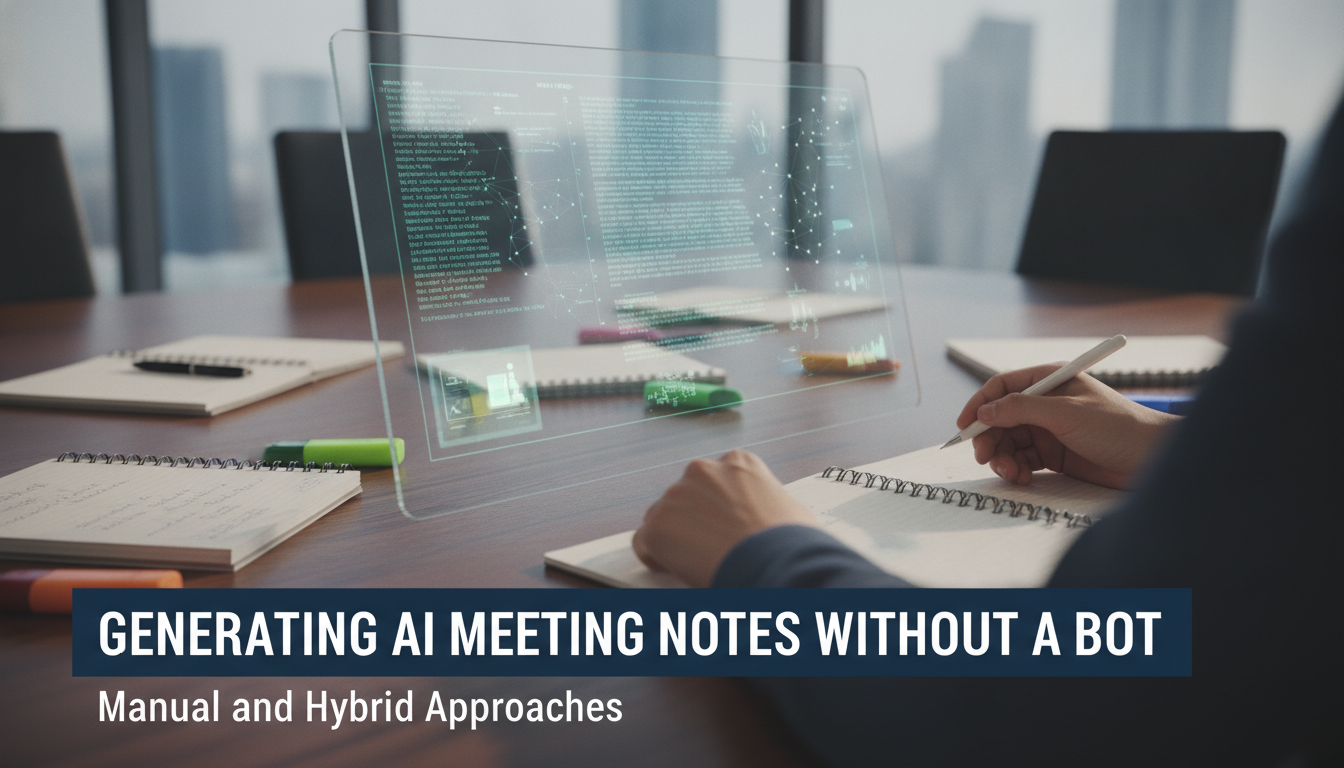
Sarah is a project manager at a mid-sized design agency in Kuala Lumpur. Her team of 8 designers holds 12–15 meetings per week, but her budget for a full AI bot licence is tight—around RM80/month per team member feels steep when profit margins are already thin. She needs meeting notes, but she doesn't want to hire a dedicated note-taker or pay for premium software seats. This article shows Sarah (and leaders like her) how to capture, transcribe, and organise meeting insights without deploying a live AI bot in every call.
Sarah's Situation: Why a Full Bot Licence Wasn't Practical
- Budget constraint: RM80/month × 8 team members = RM640/month, or RM7,680/year—a hard ceiling for her agency.
- Meeting volume: 12–15 meetings per week meant the cost per recorded call was high.
- Hybrid need: She wanted AI-level insight without real-time bot deployment.
- Current pain: Her team was writing fragmented notes in Google Docs and losing action items in email threads.
Sarah realised that a manual-first, AI-assisted approach could deliver 80% of the value at 20% of the cost. No bot subscription. No seat licenses. Just smart workflow design.
Three Approaches: When & How to Use Each
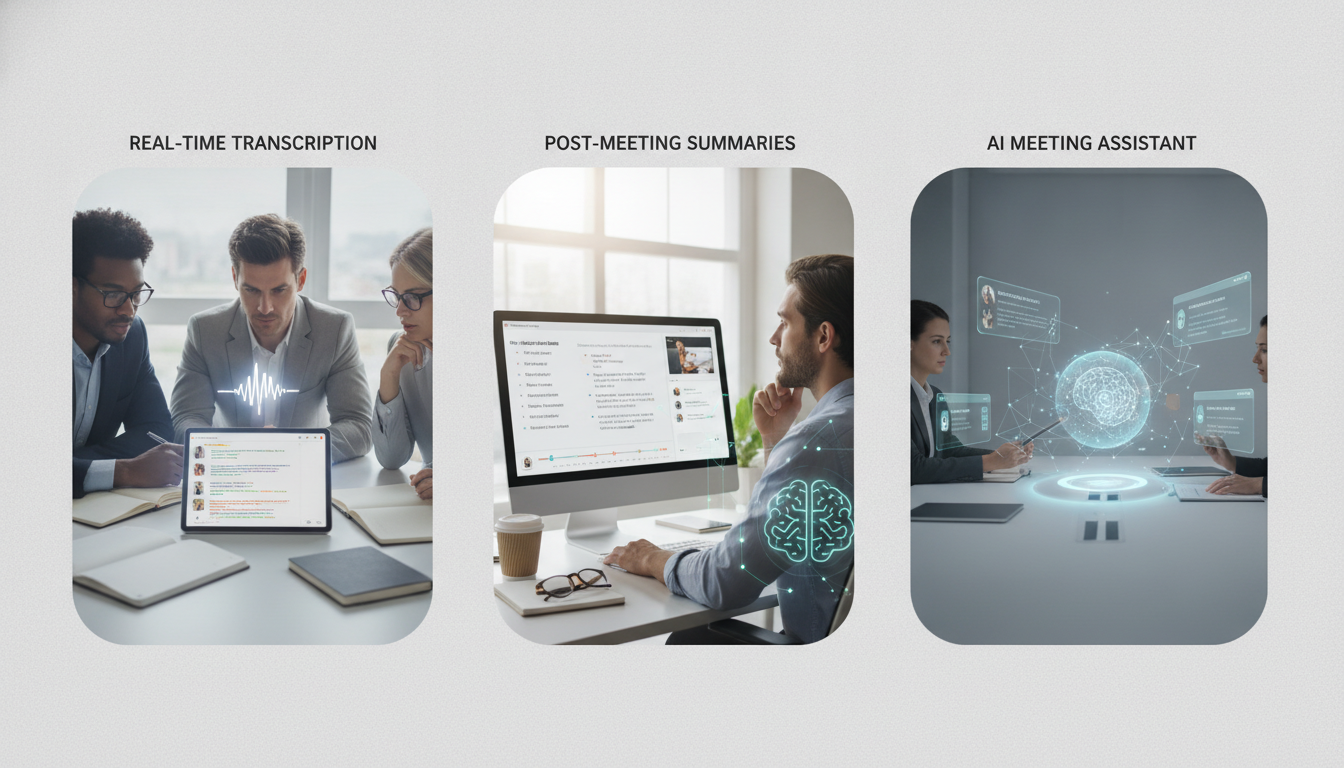
1. Full Manual Capture
- One team member records the call (on phone or device audio).
- They take live notes in a template (agenda, decisions, owners, deadlines).
- Post-call, they clean up and share.
- Cost: RM0. Time: 15–30 minutes per 60-minute call.
- Best for: Small, focused calls (under 5 people) with a designated note-taker.
2. Recorded + AI Transcription
- Use a free or low-cost tool (e.g., Otter.ai free tier, or local provider Airis) to record and auto-transcribe.
- Spend 10 minutes reviewing the transcript and highlighting key points.
- Extract action items manually.
- Cost: RM0–RM50/month. Time: 20 minutes per 60-minute call.
- Best for: Larger or recurring meetings where searchability matters.
3. Hybrid: Manual Notes + AI Summary
- Designate one person to take live notes.
- Upload notes (or a recording transcript) to an AI tool (ChatGPT, Claude, or Gemini) to generate a formatted summary.
- Distribute the polished summary in under 5 minutes.
- Cost: RM0–RM20/month (if using a paid AI plan). Time: 10 minutes post-call.
- Best for: Formal meetings or client calls where consistency and polish matter.
The Hybrid Workflow: Sarah's Real Implementation
Week 1–2: Setup
- Choose a recording method: Sarah used her mobile phone's voice memo app and Zoom's local recording (free feature).
- Create a meeting-notes template in Google Docs (attendees, date, agenda, decisions, action items, owner, deadline).
- Assign one senior designer, Ravi, as the weekly note-taker (rotating each month).
- Set up a shared folder: `/meetings/[month]/[client-or-project]/`.
Per Meeting (60 minutes)
- Ravi opens the template and starts note-taking live (5–8 minutes of active typing during the call).
- The call is recorded locally (Zoom free tier).
Post-Meeting (10 minutes)
- Ravi exports the recording as an MP3 and transcribes it using Otter.ai free tier (2 hours/month limit).
- He pastes the transcript into ChatGPT with a prompt: *"Extract a summary with headings: Decisions, Action Items (owner + deadline), Open Questions, Next Steps."*
- ChatGPT returns a polished, 300-word summary in under 1 minute.
- Ravi adds the AI summary to the template and posts it to the shared folder.
- Slack notification: *"Meeting notes ready: [Project] [Date]."*
Outcome (after 8 weeks)
- Time saved: ~20 hours/month on note-taking (vs. traditional manual-only method).
- Cost: RM0 (using free tiers of Otter and Zoom) or RM15/month if ChatGPT Plus is used.
- Improvement: 100% of meetings now have searchable, structured notes. Zero lost action items.
- Team morale: Designers spend less time in admin, more time creating.
Real example: Client kick-off call, 6 July 2024, with Acme Corp.
- Recording: 47 minutes.
- Manual note-taking by Ravi: 8 minutes live, 12 minutes post-call cleanup.
- AI summary generation: 2 minutes.
- Total effort: 22 minutes for a fully documented, actionable record.
- Cost: RM0.
Tools & Costs: A Practical Breakdown
| Tool | Cost | Use Case |
|---|---|---|
| Zoom (free) | RM0 | Local meeting recording |
| Google Docs | RM0 | Live note-taking, template |
| Otter.ai (free tier) | RM0 | 2 hours/month transcription |
| ChatGPT (free) | RM0 | Basic AI summaries |
| ChatGPT Plus | RM60/month | Faster, longer summaries, GPT-4 |
| Airis (local) | RM50–100/month | Premium transcription (optional) |
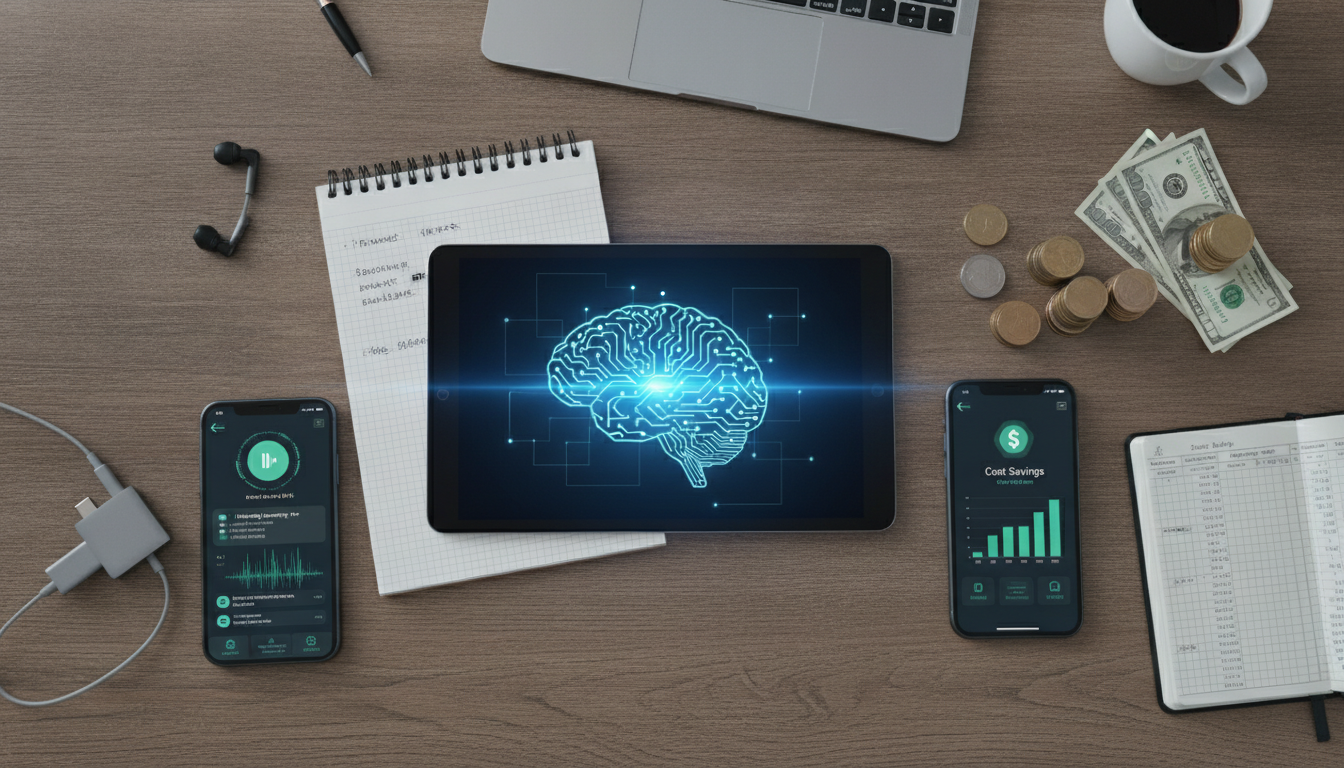
Sarah's Monthly Cost (Hybrid Setup)
- Option A (all free tiers): RM0/month.
- Option B (with ChatGPT Plus): RM60/month (RM7.50 per team member).
- Savings vs. full bot licence: RM580–640/month.
Time Allocation Per Week
- 12 meetings × 20 minutes average = 240 minutes (4 hours).
- Ravi rotates monthly, so the load per person per year is ~3 hours/month.
- No training required beyond one 30-minute template walkthrough.
Overcoming Common Pitfalls
Pitfall 1: Transcription quality is poor
- *Solution:* Use a speaker who articulates clearly. If audio quality is bad, re-record with participants closer to the microphone. Otter.ai and local solutions improve with volume—test on 2–3 calls first.
Pitfall 2: Action items still get lost
- *Solution:* Create a separate Action Log spreadsheet (owner, task, deadline, status). Update it during the post-meeting summary step. Sarah used a shared Google Sheet linked in the Slack channel.
Pitfall 3: Note-taker becomes a bottleneck
- *Solution:* Rotate the role monthly. In 6 months, every team member knows the system. Backup: if the assigned note-taker is absent, the second-most-senior person steps in (pre-assigned).
Pitfall 4: Summaries lack context
- *Solution:* Feed the AI tool a 1-line prompt: *"Summarise for someone unfamiliar with [project name]. Include background, decision, and next steps."* Takes 5 extra seconds, saves 10 minutes of confusion later.
Pitfall 5: Archive gets messy
- *Solution:* Enforce a folder structure: `/year/month/[client-or-project-code]/meeting-date.md`. Sarah found this reduced search time by 60%.

Scaling Beyond Sarah's Team
For 8–15 people (small agency or department):
- Stick with the hybrid model: manual notes + free AI.
- Cost remains RM0–60/month.
- Add a second note-taker on large calls (>8 attendees) for redundancy.
For 15–40 people (mid-size company):
- Introduce a low-cost tool like Airis (RM50–100/month) for premium transcription.
- Use 2–3 rotating note-takers or one dedicated role.
- Cost: RM50–100/month + 1 FTE partial hours.
- Value gained: near-bot performance at 10% of bot cost.
For 40+ people (enterprise):
- Revisit a full bot licence (e.g., RM150–200/month for 20–50 seats).
- Calculate ROI: if your organisation records 100+ meetings/month, a bot pays for itself via time saved and search efficiency.
- Hybrid approach is still useful for sensitive calls where a human review step is preferred.
Hybrid Meeting Notes Setup Checklist
- Choose a recording method (Zoom, phone app, or dedicated device).
- Create a standardised meeting-notes template (Google Docs or Notion).
- Assign a rotating note-taker for your team.
- Set up a shared folder structure (year/month/project).
- Test Otter.ai free tier on one call; confirm audio quality.
- Draft an AI prompt for post-call summaries.
- Create an Action Log spreadsheet (owner, task, deadline, status).
- Schedule a 30-minute team walkthrough of the workflow.
- Run a pilot for 2 weeks and collect feedback.
- Refine template or process based on early wins and gaps.
FAQ
Is it legal to record meetings without everyone's consent in Malaysia?
Recording laws in Malaysia are mixed; it's safest to obtain explicit consent from all attendees before pressing record. Check your company's HR policy. For internal-only meetings, a simple Slack announcement ("This call will be recorded") suffices. For client calls, ask explicitly: "May I record for internal reference?" Most say yes if you explain you're capturing notes only.
Which free transcription tool gives the best accuracy for Malaysian accents?
Otter.ai and Google Recorder both support multiple accents but may struggle with rapid code-switching. Local tool Airis (Malaysia-based) is trained on regional speech patterns and typically outperforms US-centric tools by 10–15% for mixed-dialect calls. Otter.ai free tier is a safe start; upgrade to Airis (RM50–100/month) if accuracy is below 80%.
How much time do we really save by using this hybrid approach instead of hiring a note-taker?
A dedicated note-taker costs RM2,000–3,500/month in salary. The hybrid approach (manual + AI) costs RM0–60/month in tools and 3–5 hours/month in labour spread across your team. Assuming 15 meetings/month, you save 180–220 hours/year in non-delegated work and reduce overhead by 95%. ROI breakeven is under 1 month.
What happens if the note-taker is sick or leaves?
Rotate the role monthly so 2–3 people know the process. Train backup note-takers in the first month so any team member can step in immediately. Document the workflow in a 1-page guide pinned in Slack. Sarah's team had zero disruption because she cross-trained Ravi and one other designer in week 2.
Can we use this approach for client-facing calls?
Yes, with one caveat: disclose that you're recording and summarising. Many clients appreciate it—it shows professionalism and reduces miscommunication. Use the polished AI summary as a professional record you can send back within 24 hours. Sarah's clients now expect a summary email by next morning; it became a competitive advantage.
What if AI summaries miss important nuance?
AI summaries capture 85–90% of key points; a human (your note-taker) should always review before distribution. Spend 5 minutes scanning the transcript or summary for missed context or sensitive details. For high-stakes calls, have a second person review. This 5-minute step protects you from AI hallucinations or misinterpretation.
Key takeaways
- Hybrid approach (manual notes + AI) costs RM0–60/month, saving 95% vs. a dedicated note-taker or bot licence.
- Rotating monthly note-taker role distributes load and builds team capability without hiring.
- Free tools (Otter.ai, Zoom, ChatGPT) deliver 80% of premium-bot value for organisations under 40 people.
- Clear template + shared folder structure prevents lost action items and makes meetings searchable.
- A 5-minute human review of AI summaries catches nuance and protects against hallucinations.