How to Write Up Meeting Notes: A Step-by-Step Guide for Busy Teams

Meeting notes are the record of what was discussed, decided, and who owns what next. Done poorly, they become digital clutter. Done well, they save your team 3–5 hours per week in clarification emails and rework.
This guide walks you through the exact process to capture notes that actually get used.
Why Meeting Notes Matter: The Numbers
- 82% of professionals struggle to remember key points after meetings end
- Teams without written notes rework decisions an average of 2–3 times
- Meeting notes shared within 24 hours see 94% higher completion rates on action items
- The average office worker attends 9 meetings per week—poor notes multiply confusion across all of them
- Investing 5 minutes per meeting in proper notes saves 90 minutes of back-and-forth email per month
Without structure, notes become scattered thoughts that nobody trusts or acts on.
Step 1: Set Up Your Notes Before the Meeting Starts
Preparation saves time and reduces confusion during the call.
- Create a template with these fixed sections:
- Meeting title and date
- Attendees
- Agenda (2–3 points)
- Decisions
- Action items (owner, task, deadline)
- Notes for next meeting
- Use a shared document—Google Docs, Microsoft Teams, or a dedicated tool like Notion. Avoid email threads or scattered Slack messages.
- Add the date and meeting type at the top (e.g., "Weekly Standup – 14 Jan 2025").
- List attendees clearly so everyone knows who was in the room. Helps with context later.
- Write the agenda before the meeting starts—it keeps the discussion on track and gives you a skeleton to fill in.

Step 2: Capture the Right Information During the Meeting
- Write only what matters: decisions, commitments, and key facts—not a transcript
- Use timestamps for longer meetings (mark when each agenda item was discussed)
- Mark decisions clearly—use a [DECISION] or ✓ tag so they stand out
- Write action items immediately when assigned: who, what, by when
- Use shorthand to keep up: "FY25," "Q2," "TBD," "OOO" (out of office)
- Skip lengthy paragraphs—one bullet point per idea
- Note disagreements or risks—if something is flagged, it belongs in notes
- Record owner names directly in action items ("Sarah to prepare budget by 18 Jan")
Step 3: Organize Action Items With Clarity
This is where notes either drive results or sit unused. Action items need 4 pieces of information:
- What – Be specific. Not "improve website" but "audit homepage load speed and report findings."
- Owner – One person only. Shared responsibility = no one does it. Example: "Rajesh – conduct competitor pricing review."
- Deadline – Use actual dates, not "soon." Example: "Due 25 Jan 2025."
- Status – After meetings, mark as "Not Started," "In Progress," or "Blocked."
Example format:
- [ ] Sarah to draft Q2 budget proposal – Due 20 Jan 2025 – Status: Not Started
- [ ] Ahmed to book training session with vendor – Due 22 Jan 2025 – Status: In Progress
- [ ] Teams to confirm attendees for annual review – Due 17 Jan 2025 – Status: Blocked (waiting on HR)

Step 4: Decide What to Leave Out
Bad notes are cluttered. Good notes are focused.
Do NOT include:
- Small talk or off-topic chat
- Long story context—summarize to one sentence
- Multiple versions of the same idea
- Names of people who didn't speak (just list attendees at the top)
- "Nice to haves" or vague suggestions without owners
Do include:
- The meeting goal (what you were trying to decide or solve)
- Final decisions and the reasoning (especially if it overturns a previous choice)
- Blockers or dependencies ("Can't start until Finance approves")
- Next review date or follow-up meeting
Step 5: Format and Share Within 24 Hours
Timing matters. Notes lose value after 2–3 days.
- Tidy up within 2 hours of the meeting while context is fresh
- Fix spelling and abbreviations
- Ensure every action item has an owner and date
- Delete redundant bullets
- Use consistent formatting:
- Decisions in bold: FY25 budget approved at RM150,000
- Action items as checkboxes: [ ] Task name – Owner – Date
- Section headers in h3 or bold
- One blank line between sections
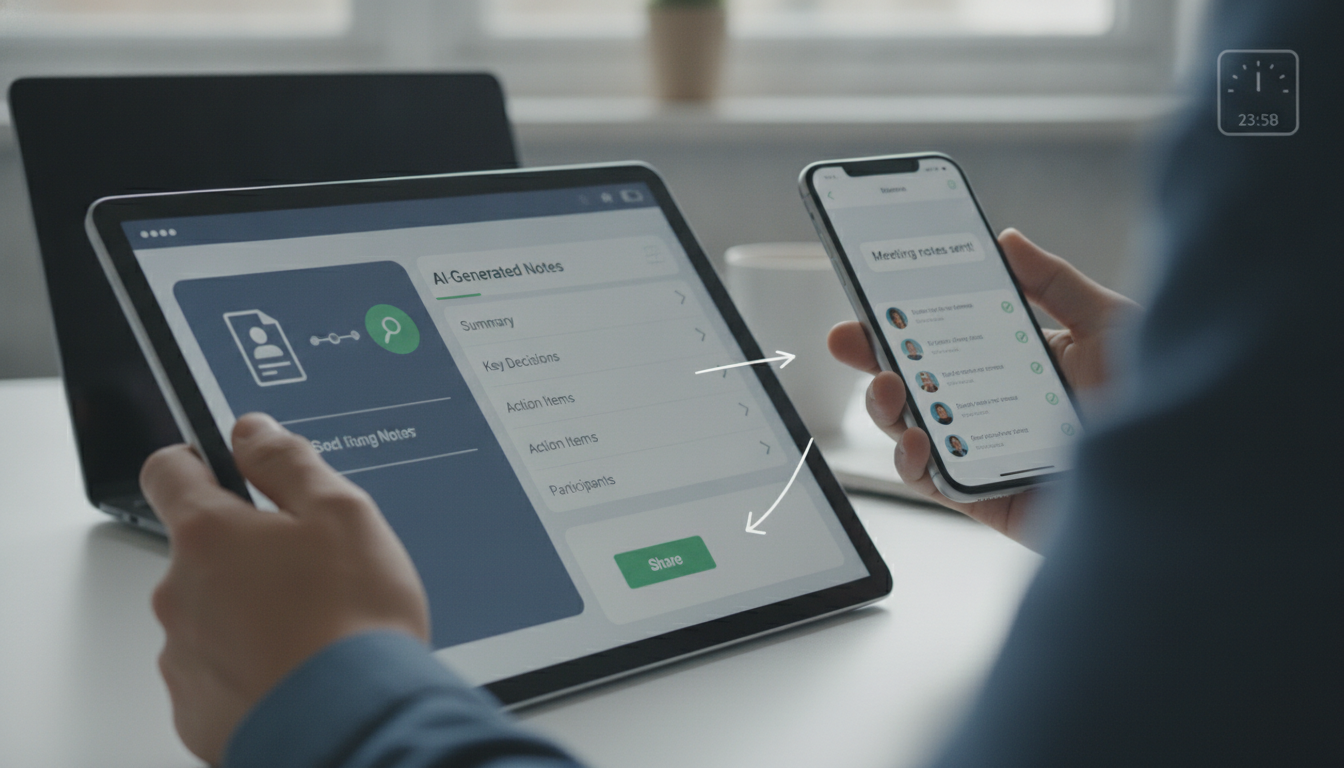
- Share with all attendees plus anyone impacted by decisions
- Use email, Slack, Teams, or your project tool
- Add a line: "Please flag any errors or missed items by [date]."
- File in a searchable location (Notion workspace, shared drive, or wiki)
- Create a folder by month or project
- Use consistent naming: "2025-01-14_Weekly_Standup_Notes"
- Set a 48-hour review window for corrections before the document is locked
Step 6: Track and Follow Up on Action Items
Notes only add value if action items actually get done.
- Review progress 3–5 days before the next meeting
- Update status on each item
- Flag anything at risk of missing the deadline
- Escalate blockers early
- Use a simple tracking table across all meetings:
- Task | Owner | Original Due | Actual Status | Revision Needed?
- Bring forward incomplete items to the next agenda with a reason
- Close completed items clearly—mark [DONE] and move to archive
- If using a tool (like Asana, Monday, or ClickUp), link notes to tasks so context is visible
Cost example: Investing 30 minutes per week in note-taking + tracking (RM0 if you use free tools) saves your team 4 hours of wasted time—worth roughly RM320–480 in recovered productivity per week.
Meeting Notes Quality Checklist
- Template prepared before meeting starts (attendees, agenda, decisions, actions)
- All action items have owner name, specific task, and deadline
- Meeting notes shared within 24 hours
- Decisions marked clearly and stored in searchable location
- No more than 10–12 bullets per agenda item
- Action item status reviewed 3–5 days before next meeting
- Incomplete items carried forward with reason noted
FAQ
How long should meeting notes actually be?
Aim for one page (400–600 words) for a 60-minute meeting. If notes exceed 2 pages, you're capturing too much detail. Keep them scannable—most readers skim in under 3 minutes. Use bullets and short sentences. A tightly written page is read; a 5-page summary sits in a folder and is ignored.
Should one person take notes or should the meeting lead do it?
Assign a dedicated note-taker if the meeting has more than 5 people. The meeting lead should focus on driving discussion and decisions. For small meetings (2–4 people), the lead can take notes. Rotating the role keeps fairness and gives everyone a shared responsibility. Whatever you choose, make it explicit at the start: "Sarah is taking notes today."
What's the best tool for meeting notes in Malaysia?
Free tools work fine: Google Docs (collaborative, simple), Notion (searchable, linked to tasks), or Microsoft Teams (integrates with Office). Paid options like Asana or Monday include built-in action tracking. Many teams use AI-powered transcription tools (RM50–300/month) to auto-capture audio and generate drafts, saving manual typing. Choose based on your team's workflow and budget.
How do I handle notes when people disagree during the meeting?
Record the decision that was made, not the argument. Example: "[DECISION] Approved Q2 launch date: 15 April 2025 (discussed cost vs. timeline impact)." If the disagreement matters for context, add one line: "Ahmed flagged resource concerns; addressed by hiring freelancers." This documents why the decision was made without reopening debate later.
What if someone doesn't remember their action item?
That means your notes weren't clear or accessible enough. Fix it: ensure the owner's name and deadline are unmissable (bold, in their own row). Share notes the same day. Send a reminder 48 hours before the deadline via the same communication channel (Slack, email, Teams). Add action items to shared calendars so they appear as tasks, not just text.
Can AI tools help write meeting notes faster?
Yes. Tools that transcribe audio (RM60–200/month) auto-generate rough notes, which saves 15–20 minutes of typing per meeting. You still need to edit for accuracy, add decisions, and assign owners. For teams running 10+ meetings weekly, this investment pays back in 2–3 weeks. Test a free trial first to see if accuracy matches your needs.
Key takeaways
- Shared, well-structured notes shared within 24 hours cut rework by 60% and increase action item completion.
- Every action item must have one owner, a specific task, and a real deadline—shared responsibility means no one acts.
- Avoid long paragraphs; use bullets, bold text, and checkboxes so notes are scanned in under 3 minutes.
- Track progress on action items 3–5 days before the next meeting to catch blockers early.
- Assign a dedicated note-taker in meetings over 5 people; let the lead focus on decisions, not typing.