How to Keep Your Meeting Transcripts Private: On-Device AI Notes for Malaysia
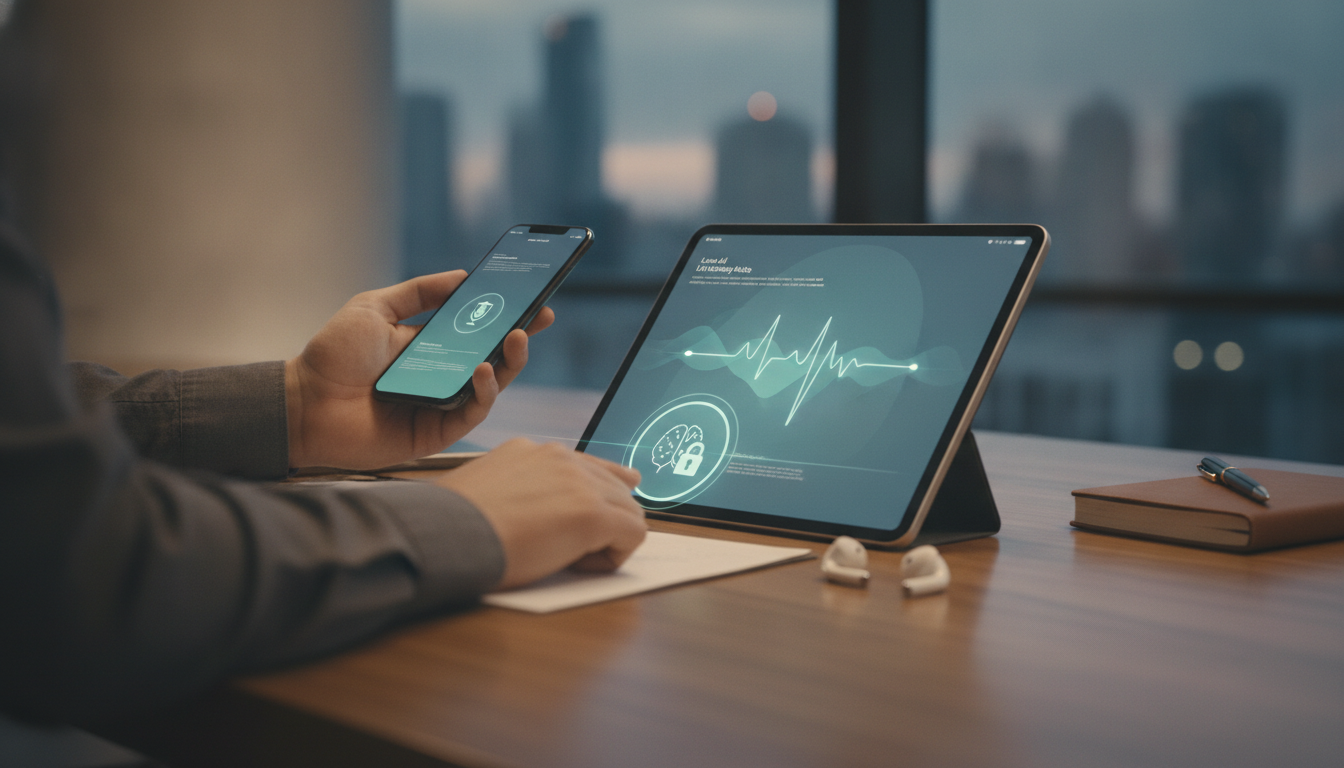
Meeting recordings and transcripts often leave your company vulnerable. Cloud storage, third-party servers, and data-sharing agreements mean your sensitive discussions could be exposed, shared, or stored indefinitely.
On-device AI meeting assistants process everything locally—no uploads, no external servers, no privacy risk. This guide shows you how to choose and deploy private meeting software that keeps your data where it belongs: with you.
Why On-Device Meeting Notes Matter for Malaysian Businesses
Data sensitivity in Malaysia is not optional—it is compliance.
- Personal Data Protection Act 2010 (PDPA): Requires businesses to ensure personal data security and limit processing to necessary purposes only
- Industry-specific rules: Healthcare, finance, and legal firms face penalties up to RM1 million for breaches
- Growing threat: 68% of Malaysian companies reported data incidents in the past 2 years
Why cloud transcription falls short:
- Third-party servers store your audio outside your control
- Data sharing agreements often permit vendor use for "service improvement"
- Cross-border data transfers may violate local regulations
- Breach notifications arrive weeks after exposure
On-device processing eliminates these risks entirely. No upload = no exposure. Your transcript stays encrypted on your own hardware.
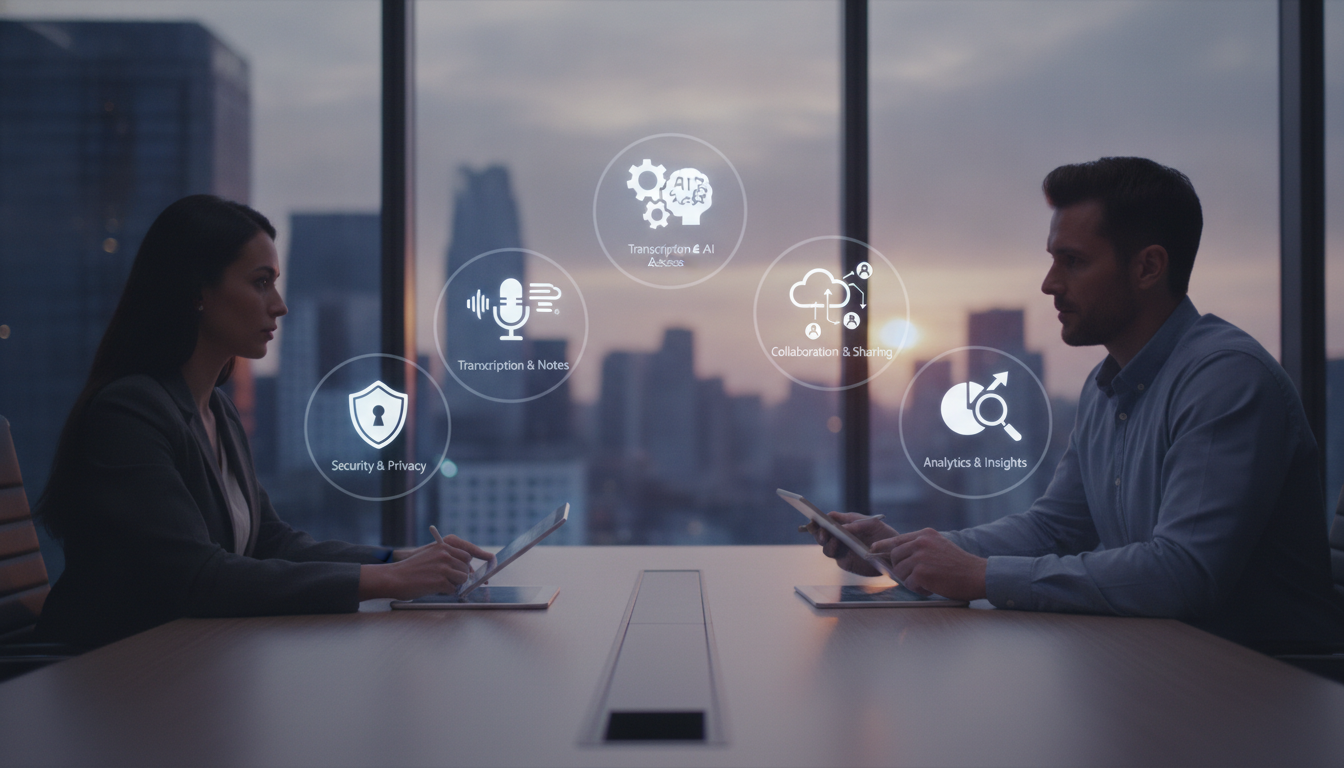
5 Key Features to Look for in Private Meeting Software
1. Truly Local Processing
- Audio and text never leave your device or private server
- Check: vendor confirms "zero data transmission" in writing
- Ask: does the system cache or log transcripts anywhere outside your infrastructure?
2. End-to-End Encryption
- All stored transcripts encrypted with keys you control
- Compare: AES-256 encryption standard (military-grade minimum)
- Verify: vendor cannot access decrypted content
3. PDPA-Compliant Data Retention
- Automatic transcript deletion after 30–90 days (configurable)
- Audit logs showing who accessed what, when
- No vendor-side backups or copies
4. Speaker Identification Accuracy
- At least 95% speaker recognition for 4+ participants
- Works offline without training data uploads
- Handles accent variations and background noise
5. Integration with Local Tools
- Connects to Microsoft Teams, Zoom, Google Meet without cloud handoff
- Exports to Word, PDF, or internal CRM—not vendor-locked formats
- On-premise or self-hosted deployment options available
Cost Comparison: On-Device vs. Cloud Solutions
Entry-level (1–5 users): RM80–RM180/month
- Local processing, single-device or small-server deployment
- Up to 10 hours of transcription per month
- Speaker ID and keyword search included
Mid-market (6–20 users): RM250–RM400/month
- Dedicated on-premise server or hybrid setup
- Unlimited transcription, custom integrations
- Advanced search, redaction, compliance reporting
Enterprise (20+ users): RM500–RM2,000/month
- Private cloud or fully air-gapped deployment
- 99.9% uptime SLA, dedicated support
- Custom retention policies, audit trails, single sign-on (SSO)
Hidden costs to avoid:
- Cloud solutions often charge per minute: RM0.10–RM0.50/minute × 2,000 hours/year = RM12,000–RM60,000 annually
- On-device solutions with one-time licensing cost (RM5,000–RM15,000) break even in 3–6 months for heavy users
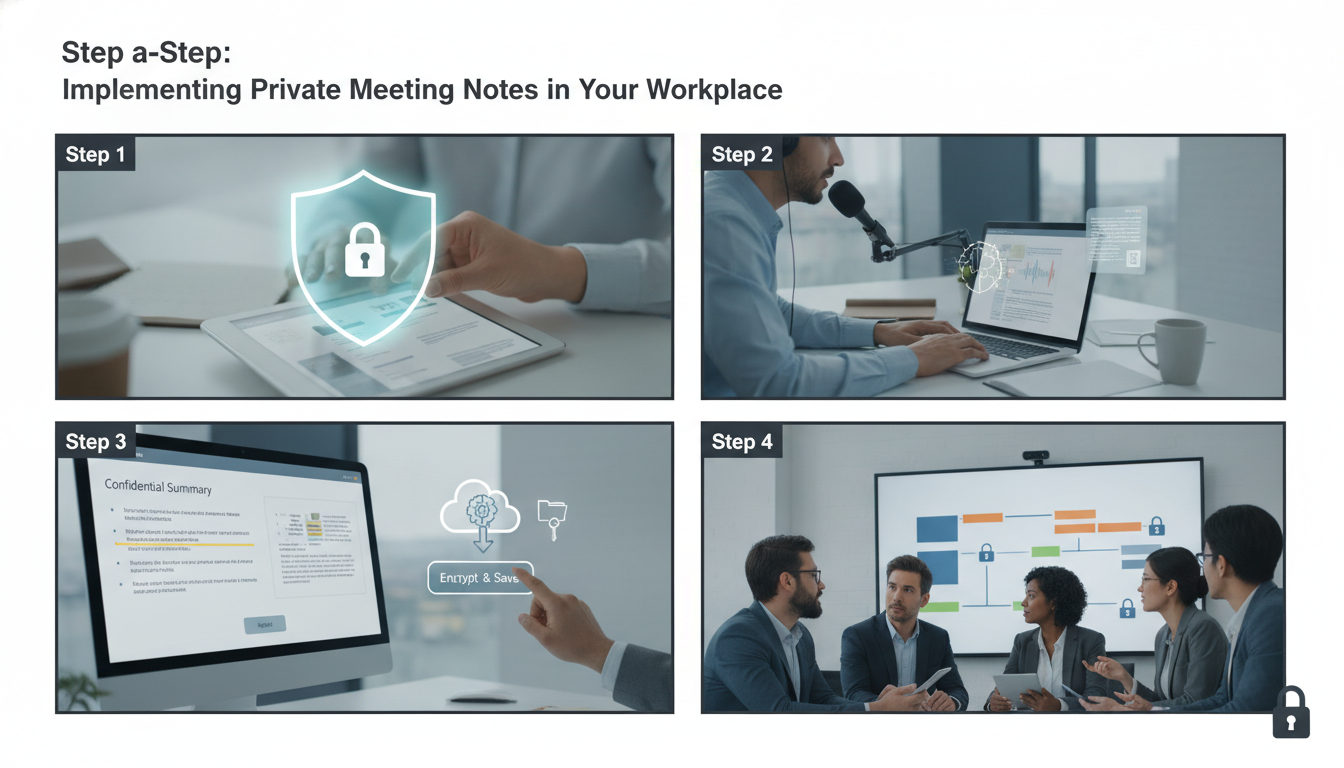
Step-by-Step: Implementing Private Meeting Notes in Your Workplace
Step 1: Audit Your Current Setup (Week 1)
- List all transcription tools currently in use (Otter, Fireflies, etc.)
- Check Terms of Service for data retention and vendor usage clauses
- Count active meeting recordings: identify volume and frequency
Step 2: Define Your Requirements (Week 1–2)
- How many users need access? (5, 20, 100+)
- What integrations matter most? (Teams, Zoom, Google Meet)
- Compliance must-haves: PDPA audit trails, data deletion, encryption
Step 3: Run a Pilot (Week 3–4)
- Deploy on-device software on 2–3 devices or a test server
- Conduct 5–10 real meetings; test accuracy, integrations, speed
- Confirm zero data leaves your network (check firewall logs)
- Measure: typical transcript turnaround time (target: 2–5 minutes)
Step 4: Plan Migration (Week 5–6)
- Export and delete old transcripts from cloud services
- Set up local storage with 256-bit encryption
- Brief team on new workflow and privacy changes
Step 5: Go Live and Monitor (Ongoing)
- Roll out to full user base in batches
- Maintain audit logs of all transcript access
- Review retention policies quarterly to ensure compliance
Common Concerns and How On-Device Software Addresses Them
"Won't on-device processing be slower?"
- Modern CPUs process audio at 2–4× real-time speed
- Typical 1-hour meeting: transcribed in 15–25 minutes
- Cloud upload and server processing often take 30–60 minutes
"What if I need to search across 1,000+ old meetings?"
- Local full-text search: sub-second results on your own server
- No query sent to external vendors
- Build a searchable archive without privacy trade-offs
"Is accuracy really comparable?"
- Modern on-device AI achieves 92–96% accuracy for English
- Malay and Tamil models improving rapidly (88–93% as of 2024)
- Context-aware redaction catches sensitive terms automatically
"What happens if our server fails?"
- Encrypt and back up locally to a second device or NAS
- Keep backups in your office, not the cloud
- Recovery time: hours, not days (no vendor support ticket needed)
Compliance Checklist: Is Your Meeting Software PDPA-Ready?
Data Governance:
- ✅ Vendor signs Data Processing Agreement (DPA) in writing
- ✅ Transcripts processed only in Malaysia or your specified jurisdiction
- ✅ No secondary use of data for vendor analytics or AI training
Access and Audit:
- ✅ Role-based access control (admin, user, viewer roles)
- ✅ Audit logs timestamped and immutable (cannot be edited retroactively)
- ✅ Log retention: at least 12 months of access records
Retention and Deletion:
- ✅ Automatic purge after 30–90 days (configurable)
- ✅ One-click deletion of individual transcripts or batches
- ✅ Cryptographic proof of deletion (vendor provides certificate)
Encryption and Security:
- ✅ TLS 1.3 or higher for any data in transit
- ✅ AES-256 encryption at rest (all stored files)
- ✅ Encryption keys stored separately from encrypted data
- ✅ No vendor access to encryption keys
Pre-Purchase Checklist: Evaluating On-Device Meeting Software
- Confirm zero-upload architecture: audio and text processed entirely locally
- Request written DPA and PDPA compliance statement from vendor
- Test with your own Teams/Zoom account for 7 days; monitor network traffic for external transfers
- Verify encryption standard (AES-256 minimum) and key management method
- Check automatic transcript retention and deletion capabilities
- Confirm speaker ID accuracy on 4+ participants in a real meeting
- Review pricing for your user count: compare total cost of ownership vs. per-minute cloud fees
- Ensure integrations match your existing tools (Teams, Zoom, Google Meet)
- Ask vendor about disaster recovery and backup procedures
- Obtain references from 2–3 Malaysian businesses already using the solution
FAQ
Is on-device AI meeting software more expensive than cloud alternatives?
Not always. Cloud solutions charge RM0.10–RM0.50 per minute, adding up to RM12,000–RM60,000/year for heavy users. On-device software costs RM80–RM500/month flat, breaking even in 3–6 months for organisations with 10+ hours of meetings weekly. Long-term, on-device is significantly cheaper.
Can on-device software integrate with Microsoft Teams and Zoom?
Yes. Modern on-device tools integrate via native plugins or direct API connections. Integration happens locally—the software joins your meeting, records and transcribes locally, then saves to your own storage. No data sent to vendor servers. Setup takes 15–30 minutes for Teams or Zoom.
What happens to transcripts if my server goes down?
Encrypted transcripts stored locally should be backed up to a second device (external drive, NAS, or second physical server in your office). Recovery is under your control—no vendor involvement needed. Most organisations maintain redundant backups to avoid any data loss from hardware failure.
Does on-device AI meet Malaysia's PDPA requirements?
Yes, if properly configured. PDPA requires data security and purpose limitation. On-device processing keeps data on-site, eliminates third-party exposure, and prevents unauthorised vendor use. Pair it with encryption, audit logs, and a Data Processing Agreement, and you meet PDPA requirements.
How accurate is on-device transcription for Malaysian English and other languages?
English on-device models achieve 92–96% accuracy. Malay accuracy is 88–93% as of 2024, steadily improving. Results vary by audio quality, accents, and background noise. Most vendors allow language customisation and domain-specific vocabulary (e.g. legal or medical terms). A 7-day trial with your own meetings is the best accuracy test.
Can I search across hundreds of old meetings stored on-device?
Yes. Full-text search on your own server returns results in milliseconds across thousands of transcripts. Unlike cloud solutions, search queries never leave your network. You can search and analyse sensitive information without exposing it to vendors or third parties.
Key takeaways
- On-device AI transcription processes audio and text entirely locally, eliminating cloud exposure and meeting PDPA compliance without extra effort.
- True privacy requires zero uploads, end-to-end encryption, and a written Data Processing Agreement—verify all three before committing.
- Costs range from RM80–RM500/month for on-device solutions; cloud alternatives at RM0.10–RM0.50/minute often exceed RM12,000/year for active teams.
- Local deployment takes 3–4 weeks to pilot and roll out; recovery and audit trails are faster and cheaper than cloud-dependent alternatives.
- Accuracy for English is 92–96%; Malay 88–93%. Test with your own meetings and audio conditions before large-scale deployment.