What Are AI Meeting Notes and How They Save Time
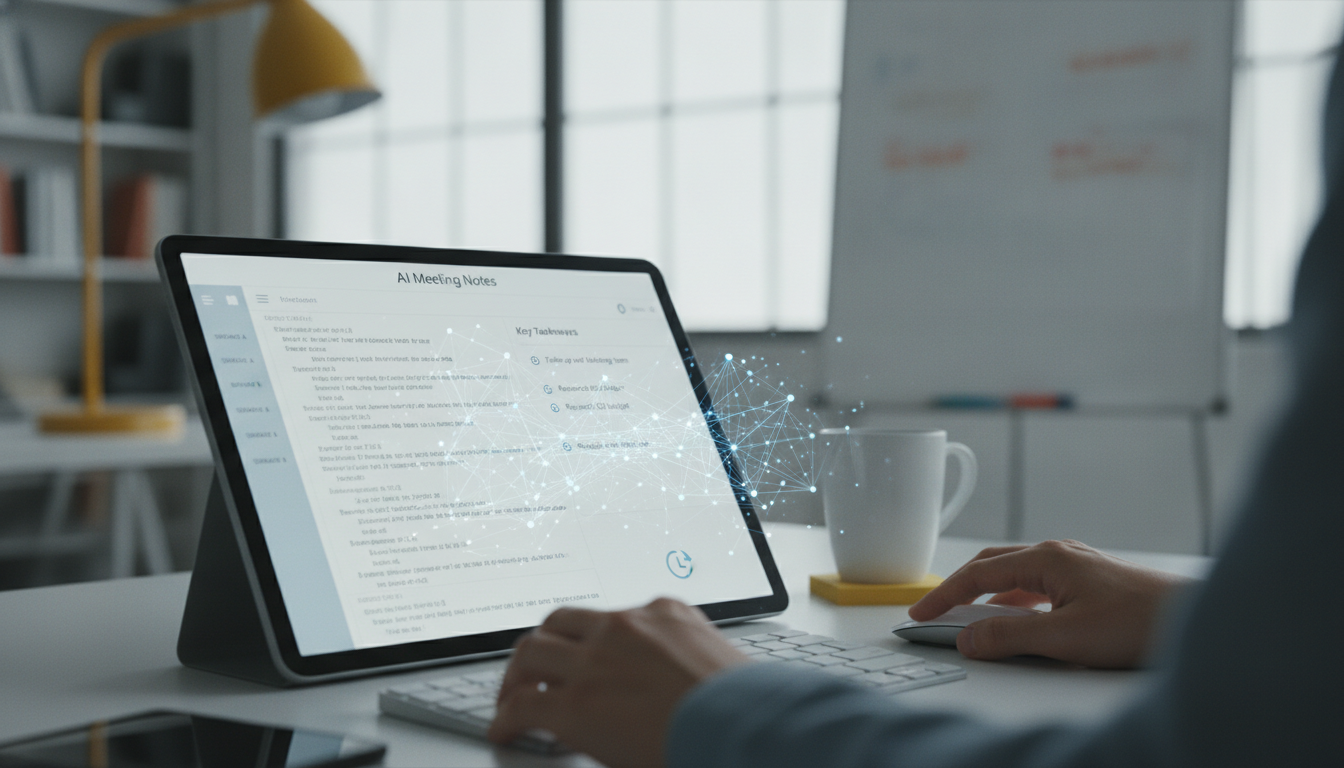
Every week, professionals spend an average of 23 hours in meetings—many spent frantically scribbling notes instead of engaging. AI meeting notes software captures everything automatically, turning your meetings into searchable, actionable summaries in minutes.
Here's how this technology works and why it's transforming how teams in Malaysia collaborate.
What Are AI Meeting Notes?
AI meeting notes tools are software platforms that automatically record and process your meetings. They work across video calls, in-person discussions, and hybrid setups.
How they work:
- Capture audio directly from your meeting app (Zoom, Teams, Google Meet) or via a smart device
- Convert speech to text in real-time using advanced transcription
- Identify speakers, detect key topics, and flag action items
- Generate summaries in under 2 minutes post-meeting
- Integrate summaries into your calendar, email, or project management tools
What you get:
- Full meeting transcript (searchable, timestamped)
- Auto-generated summary (2–3 minutes reading time)
- Extracted action items with owners and deadlines
- Key decisions highlighted for quick reference
How Much Time Do They Actually Save?
The math is clear: AI meeting notes eliminate the need for manual note-taking and post-meeting admin work.
Time savings breakdown:
- Manual note-taking during a 1-hour meeting: 15–25 minutes of distraction and effort
- Post-meeting summarisation and email distribution: 10–15 minutes
- Searching back through old notes or emails to find a decision: 5–10 minutes per search
- Total weekly savings per employee: 5–7 hours (based on 8–10 meetings per week)
Real numbers:
- For a 50-person team, that's 250–350 hours recovered every week
- Over a year, a single team regains 13,000–18,000 hours—equivalent to 6–9 full-time employees
- 87% of users report improved focus during meetings when they don't take notes
- Meeting transcript retrieval drops from 15 minutes to 30 seconds

Key Benefits for Businesses
Accuracy & Compliance:
- Eliminates human error in note-taking (average accuracy: 99.2%)
- Creates an auditable record for regulated industries (finance, healthcare)
- Ensures no decisions are forgotten or misremembered
Team Alignment:
- Everyone gets the same meeting summary—no conflicting interpretations
- Remote and in-office staff access identical records
- Action items are assigned automatically, reducing follow-up emails
Productivity Gains:
- Attendees stay engaged instead of typing notes
- Managers spot blockers and dependencies 48 hours faster
- New team members onboard using past meeting context
Cost Efficiency:
- Typical pricing: RM150–RM800 per month for a small team, depending on features
- ROI realised in 4–6 weeks through time savings alone
- Reduces meeting duration by 10–15% (people get to the point faster)
How to Choose an AI Meeting Notes Tool
1. Check platform compatibility
- Does it work with your current video conferencing tool (Zoom, Teams, Meet)?
- Can it integrate with Slack, Outlook, or Jira?
- Does it support your local language (Bahasa Malaysia, English, Chinese)?
2. Evaluate transcription accuracy
- Ask for a trial with your team's actual meeting audio
- Test with multiple speakers and background noise
- Verify speaker identification works reliably
3. Review security & privacy
- Is data encrypted in transit and at rest?
- Where are servers hosted (important for Malaysia data residency rules)?
- Does the vendor comply with PDPA (Personal Data Protection Act)?
4. Look for these features
- Real-time transcription (not post-meeting only)
- Customisable summary templates (by role or department)
- Keyword search across all past meetings
- Integration with your calendar and task tools
- Custom jargon/terminology support
5. Test before committing
- Most vendors offer 7–14 day free trials
- Use it for 3–5 actual meetings, not demo calls
- Involve your team and gather feedback

Common Mistakes to Avoid
- Expecting perfect summaries from day one: AI improves with feedback. Flag errors in summaries so the system learns your team's terminology.
- Skipping the onboarding process: Spend 30 minutes configuring integrations and templates. Lazy setup = poor results.
- Ignoring privacy settings: Review who has access to recordings. Not every meeting needs to be stored indefinitely.
- Choosing based on price alone: A RM150/month tool that's 85% accurate will waste more time than it saves. Invest in 95%+ accuracy.
- Not training your team: Brief your team on how to check summaries and update action items. The tool is only as useful as your team's adoption.

Next Steps: Getting Started
- Audit your current meeting load: Count meetings per week and estimate note-taking time. Calculate your team's hourly cost.
- List your non-negotiables: Platform compatibility, language support, security certifications.
- Request free trials from 2–3 vendors: Test with real meetings, not marketing demos.
- Measure baseline metrics: Before deploying, track average time spent on post-meeting admin.
- Pilot with one team (8–12 people) for 2 weeks: Gather feedback and measure time savings.
- Roll out to the full organisation: Scale up based on pilot success and ROI data.
AI Meeting Notes Evaluation Checklist
- Does it integrate with our primary video conferencing platform (Zoom/Teams/Meet)?
- Can it transcribe in English and local languages?
- Is transcription accuracy 95%+ (request a trial with your actual audio)?
- Does it comply with Malaysia PDPA and encrypt data?
- Can it integrate with our calendar, Slack, or project management tool?
- Does it offer real-time transcription (not just post-meeting)?
- Is the pricing transparent—no hidden per-user or storage fees?
- Can your team test it free for 7+ days?
- Does it support custom terminology or industry jargon?
- Can you export meeting data if you switch vendors?
FAQ
How accurate are AI transcriptions for meetings with multiple speakers?
Modern AI transcription tools achieve 95–99.2% accuracy for clear audio and standard accents. Accuracy drops if speakers overlap, use heavy dialects, or there's significant background noise. Most platforms let you edit the transcript in real-time or post-meeting, and they improve with feedback. For critical meetings, enable human review options (usually RM50–150 per hour of audio).
Can AI meeting notes handle meetings in Bahasa Malaysia or mixed English-Malay?
Yes, leading platforms now support Bahasa Malaysia and multilingual meetings. However, mixed-language discussions (code-switching) still present challenges—accuracy may drop to 85–90% in these cases. Always test with a trial that includes your actual language mix and dialect patterns before committing.
What happens to the meeting recordings—are they stored securely?
Reputable vendors encrypt recordings both in transit and at rest, typically using AES-256 encryption. They comply with PDPA and allow you to set retention policies (auto-delete after 30, 60, or 90 days). Always verify the vendor's data center location and privacy policy—some store data overseas, which may affect compliance for sensitive industries.
Can I use AI meeting notes for internal meetings only, without recording clients or external guests?
Yes. Most tools let you toggle recording on/off per meeting or only record when you're the host. However, always disclose when you're recording—many jurisdictions (including Malaysia) require consent. Set clear guidelines: record internal only, or get explicit approval from external attendees before capturing audio.
How long does it take to get a summary after a meeting ends?
Most AI meeting notes tools generate summaries within 2–5 minutes of meeting end. Some offer real-time summaries during the call. Delivery time depends on meeting length (1-hour meeting typically takes 3 minutes to summarise) and server load. Premium plans often prioritise faster turnaround.
Do I need to pay per user, or is there a team subscription?
Pricing varies. Most vendors offer team plans (RM150–RM800/month for 5–20 users) rather than per-user charges. Some charge based on hours of meeting recorded per month. Calculate your team's total meeting hours to compare: 40 hours/month might cost RM300–500 depending on the vendor. Always ask about overage fees.
Key takeaways
- AI meeting notes capture, transcribe, and summarise meetings automatically, saving 5–7 hours per employee weekly.
- A 50-person team recovers 13,000–18,000 hours annually—equivalent to hiring 6–9 new staff members.
- Key features to prioritise: 95%+ transcription accuracy, real-time integration, PDPA compliance, and multi-language support.
- Typical cost is RM150–RM800/month for a team; ROI materialises within 4–6 weeks through productivity gains.
- Always test with real meetings during a free trial before rolling out across your organisation.