Best Free AI Meeting Notes Apps: Features and Limitations Compared
This page covers the free tiers only — what each one includes and where it stops.
For paid plans across the whole field, with prices captured from each vendor's own page, see Top AI Tools for Meeting Minutes: A Comparison.
You're drowning in meeting recordings and manual note-taking. Free AI meeting note apps promise to save 3-5 hours per week—but most have hard limits on recordings, exports, or team size.
This guide compares the real features and catches of the top free tools so you pick one that actually works for your team.
Top Free AI Meeting Notes Apps: Quick Rundown
- Google Meet – Built-in, free for 3 participants up to 60 minutes; auto-transcription included if you have Workspace
- Otter.ai – 600 minutes/month free; mobile or desktop recording; stores transcripts for 3 months
- Fireflies.io – 10 hours/month free; integrates with Zoom, Teams, Google Meet; unlimited storage of recordings
- Microsoft Teams – Free tier includes auto-transcription; up to 100 participants; 1-hour group limit
- Notta – 30 minutes/month free; real-time transcription; ideal for one-on-one calls
- Fathom – 3 recordings/month free; Zoom-native; auto-highlights key moments; calendar sync
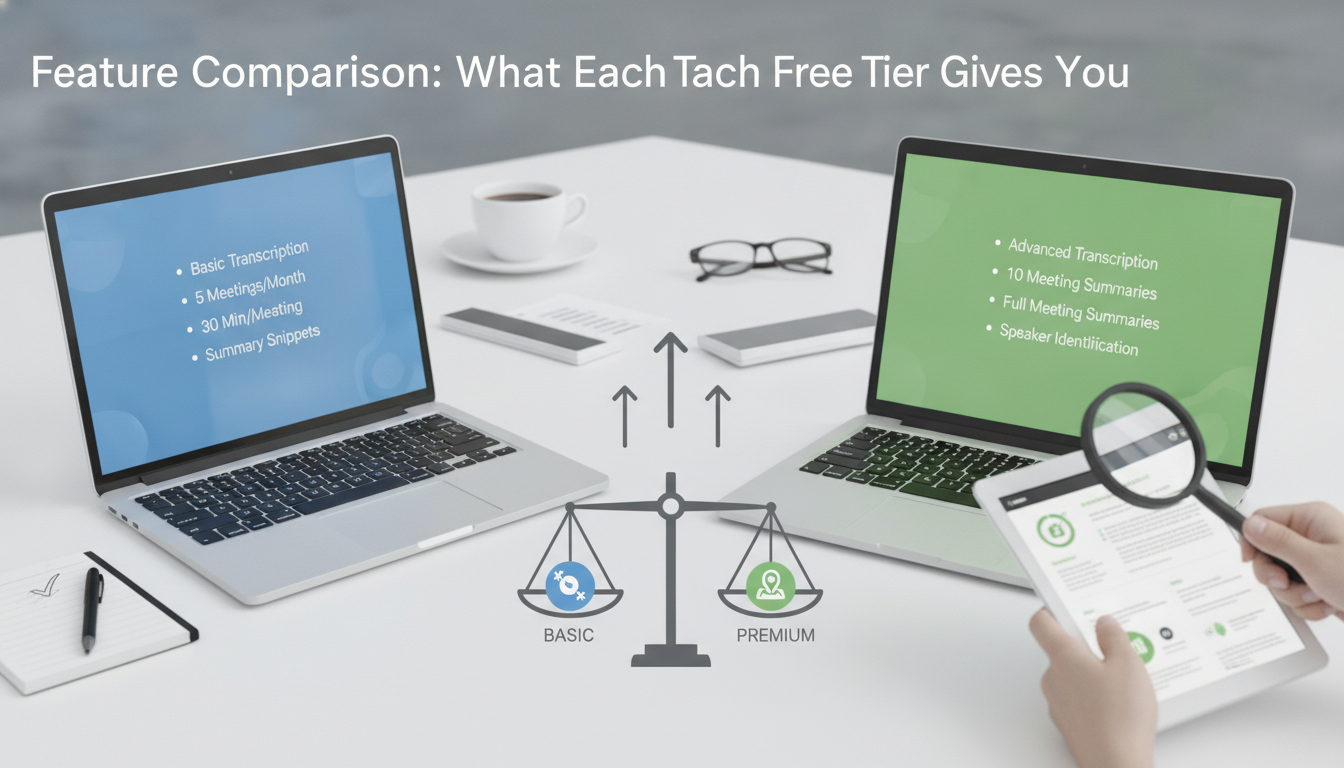
Feature Comparison: What Each Free Tier Gives You
Recording & Storage Limits
- Otter.ai: 600 minutes/month (enough for ~12 hours of meetings)
- Fireflies.io: 10 hours/month (~600 minutes)
- Notta: 30 minutes/month (best for quick 1-on-1s)
- Google Meet: Unlimited recording duration (Google Workspace required for auto-transcription)
- Fathom: 3 recordings/month
Real-Time Transcription
- Fireflies, Otter, Notta, and Teams all offer live captions
- Accuracy ranges from 85–95% depending on audio quality and accents
- Microsoft Teams achieves near-native integration but only in English by default
Integrations & Export
- Fireflies: Slack, Notion, HubSpot, Salesforce, Zapier (free tier allows 2 integrations)
- Otter: Zoom, Teams, Google Calendar, Slack, but exports limited on free tier
- Notta: Google Drive, Slack, limited to one destination on free plan
- Fathom: Zoom-only native, works best if you're already a Zoom power user
Paid Upgrade Costs & What You Get
Otter.ai Premium
- RM60–80/month (USD $15–20)
- Unlimited monthly minutes, 10 custom vocabularies, speaker identification
Fireflies.io Standard
- RM70–90/month (USD $18–23)
- Unlimited recordings, 10 integrations, team collaboration, transcription search
Notta Professional
- RM40–50/month (USD $10–13)
- 600 minutes/month, unlimited exports, priority support
Microsoft Teams Premium
- RM150/month (USD $30) for enterprise add-ons
- Advanced noise suppression, speaker attribution, live translation into 70+ languages
Fathom Pro
- RM80–100/month
- Unlimited recordings, CRM automation, custom highlights
Hard Limitations: When Free Plans Break Down
1. Monthly Minute Caps
- If your team meets 5+ hours per week, Notta's 30 minutes/month won't cut it
- Otter (600 min) works for ~2 meetings/day for a week
- Fireflies (10 hours) suits teams with steady but moderate meeting load
2. Team Size & Sharing
- Google Meet free: 3 participants max (unlimited with Workspace at RM48/user/month)
- Most free transcription apps charge per additional user or limit storage sharing
- Fathom: 3 recordings/month is tight for active sales or customer success teams
3. Transcription Accuracy
- Heavy accents, background noise, or technical jargon drop accuracy to 75–80%
- Otter's free tier stores transcripts for only 3 months, then deletes them
4. Export & Integration Bottlenecks
- Notta free plan: exports only to one location (pick Google Drive or Slack)
- Fireflies free tier: only 2 integrations allowed
- No API access on free tiers (blocks custom workflows)

Decision Framework: Which App for Your Use Case
Solo Practitioner or Coach
- Try Notta (30 min/month fits 1-2 calls/week)
- One export destination is acceptable
Small Team (2–8 People) with Light Meeting Load
- Fireflies.io (10 hours/month covers casual standups + bi-weekly client calls)
- Slack integration helps teams stay on the same page
Moderate Meeting Volume (10+ hours/week)
- Move to paid: Otter Premium (RM60–80/month) or Fireflies Standard (RM70–90/month)
- Breakeven is 12–15 hours of meetings per month; free plans aren't scalable beyond that
Large Team or Heavy Compliance Requirements
- Microsoft Teams Premium or Fireflies with team plan
- Need role-based access, audit logs, and data retention controls
Zoom-Heavy Workflow
- Fathom (if you record 3 or fewer meetings/month on free) or Zoom's native integration with Otter/Fireflies

Red Flags & Tips to Avoid Wasting Time
Watch Out For
- Apps that delete transcripts after 30–90 days (Otter does this on free tier)
- "Free forever" claims that come with 2 integrations max (you'll outgrow in weeks)
- Accuracy percentages not tested on your meeting type (technical demos vs. casual 1-on-1s vary widely)
- No offline recording option (you're stuck if internet drops mid-call)
Pro Tips
- Test free tier for 2 weeks with actual meeting audio, not samples
- Set up integrations before you hit the cap (switching tools mid-month is painful)
- Check data residency if PDPA compliance matters (most US-based tools store data in US servers)
- Use free tiers as a runway to trial before paying; don't wait for free to break down
| App | Free Monthly Limit | Real-Time Transcription | Integrations (Free) | Paid Starting Price |
|---|---|---|---|---|
| Otter.ai | 600 minutes | Yes | Zoom, Teams, Calendar | RM60–80/month |
| Fireflies.io | 10 hours (600 min) | Yes | 2 integrations max | RM70–90/month |
| Notta | 30 minutes | Yes | 1 destination | RM40–50/month |
| Google Meet | 60 min / 3 people | Workspace only | Native Google apps | RM48/user (Workspace) |
| Microsoft Teams | Unlimited (group cap 1 hr) | Yes | Microsoft ecosystem | RM150+ (Premium) |
| Fathom | 3 recordings/month | Yes | Zoom native only | RM80–100/month |
Choosing a Free AI Meeting Notes App: Checklist
- Count your weekly meeting hours and compare to free tier caps (600 min = ~10 hours)
- List the platforms you use (Zoom, Teams, Google Meet) and check native integrations
- Verify transcript storage duration—90 days or longer?
- Test accuracy on your actual meeting audio type (technical vs. casual)
- Confirm team size and sharing limits match your headcount
- Check if exports to your CRM/Slack are included in free tier
- Trial for 2 weeks before committing to paid; don't assume similarity between tools
- Review data residency and PDPA compliance if required by your industry
FAQ
Is Google Meet's free transcription really free?
Only with Google Workspace subscription (RM48+/user/month). Free Google Meet accounts don't auto-transcribe. You can manually record and use external tools like Otter or Fireflies to transcribe recordings afterward.
Which app has the best transcription accuracy?
Otter.ai and Fireflies both claim 95%+ accuracy in clean audio. Real-world accuracy drops to 80–90% with accents, background noise, or jargon. Test with your actual meeting audio before paying; most offer 2-week free trials.
Can I use free AI meeting apps in Malaysia without data residency issues?
Most free tools (Otter, Fireflies, Notta) store data on US servers by default. If PDPA compliance is required, check their privacy policy or upgrade to paid tiers with EU/APAC server options. Microsoft Teams offers Asia-Pacific data residency at enterprise pricing.
What happens when I hit the free tier limit?
Apps stop recording, transcribing, or exporting until the next month. Some delete older transcripts. You cannot exceed limits unless you upgrade. Test limits over 2–4 weeks to forecast if you'll need paid access before subscribing.
Do I need permission to record meetings with AI note-taking apps?
Yes. Malaysian employment and privacy law implies consent is required before recording conversations. Always inform participants in writing or at the meeting start that you're recording and transcribing for note purposes.
Which free app works best for Zoom meetings?
Fireflies.io and Otter.ai both integrate natively with Zoom and allow meeting join without recording manually. Fathom is Zoom-only and easiest if you're already Zoom-heavy, but limits you to 3 recordings/month on free tier.
Key takeaways
- Free tiers cap at 30–600 minutes/month; adequate for 1-2 meetings/week, but most teams need paid ($40–150/month equivalent) after 2-4 weeks.
- Otter.ai and Fireflies offer the widest free integrations and storage; Google Meet and Teams require Workspace/Premium for auto-transcription.
- Transcription accuracy is 85–95% in clean audio but drops with accents and noise—test on real meetings before committing.
- Hard limits include participant caps (Google Meet 3), export destinations (Notta 1), and transcript storage windows (Otter 90 days).
- Compare against your exact meeting volume and team size first; 'best' depends on your workflow, not marketing claims.